

How to Use Hyundai Bluelink Remote Features
Hyundai’s Bluelink connected car system is designed to give drivers more control, convenience, and peace of mind. Whether your vehicle is parked across Columbia, South Carolina, or you are on the road, Bluelink allows you to stay connected through your smartphone or infotainment system.
This guide breaks down Hyundai Bluelink features, how to use them, and how they improve your daily driving experience.
What Is Hyundai Bluelink and How Does It Work?
Hyundai Bluelink is a connected vehicle service that uses built-in cellular technology to link your car with your smartphone. The system includes a modem and SIM card inside the vehicle, allowing real-time communication between your Hyundai and the Bluelink app.
With Bluelink, you can:
- Remotely start your vehicle
- Lock and unlock doors
- Access vehicle health reports
- Locate your vehicle using GPS
- Receive maintenance alerts
- Access emergency assistance
Bluelink is available on most Hyundai models from 2013 and newer, including popular vehicles like the SONATA, TUCSON, PALISADE, IONIQ 5, and IONIQ 6.
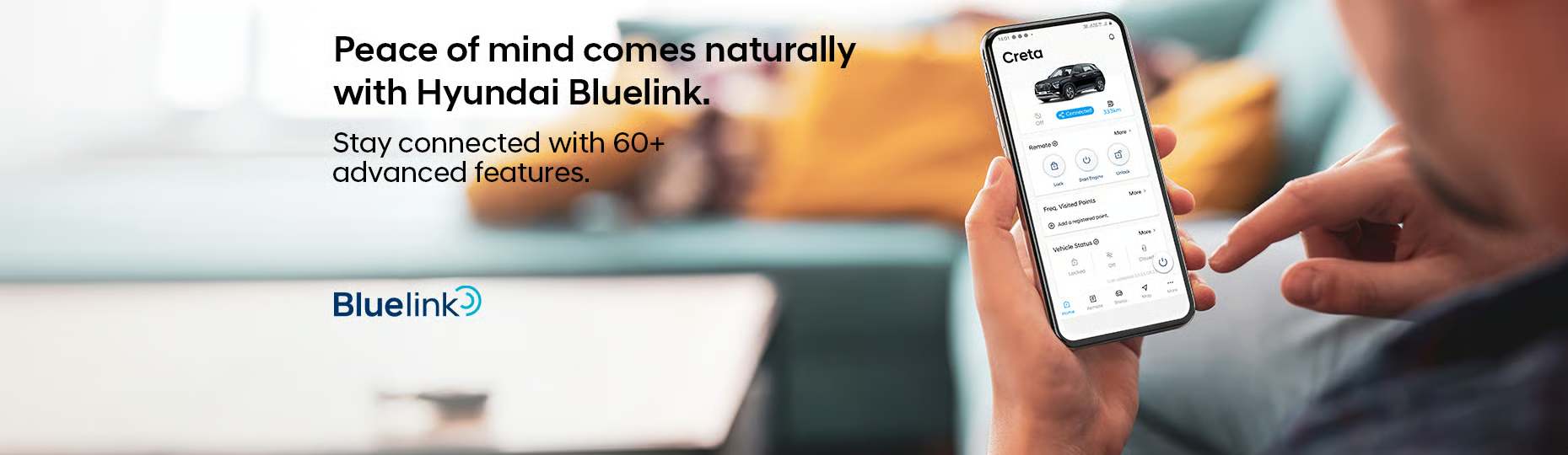
How To Set Up the Hyundai Bluelink App
You can activate Bluelink using your vehicle’s infotainment system or through the mobile app.
Setup Through the Vehicle
- Start your vehicle
- Go to Settings → Bluelink Settings
- Select Service Activation
- Agree to the terms and complete activation
Setup Through the App
- Create a MyHyundai account
- Download the MyHyundai with Bluelink app
- Log in and connect your vehicle
- Scan the QR code displayed in your vehicle
- Enter the verification code
If you need help setting up Bluelink, the team at Stivers Hyundai can walk you through the process.
Remote Start and Climate Control
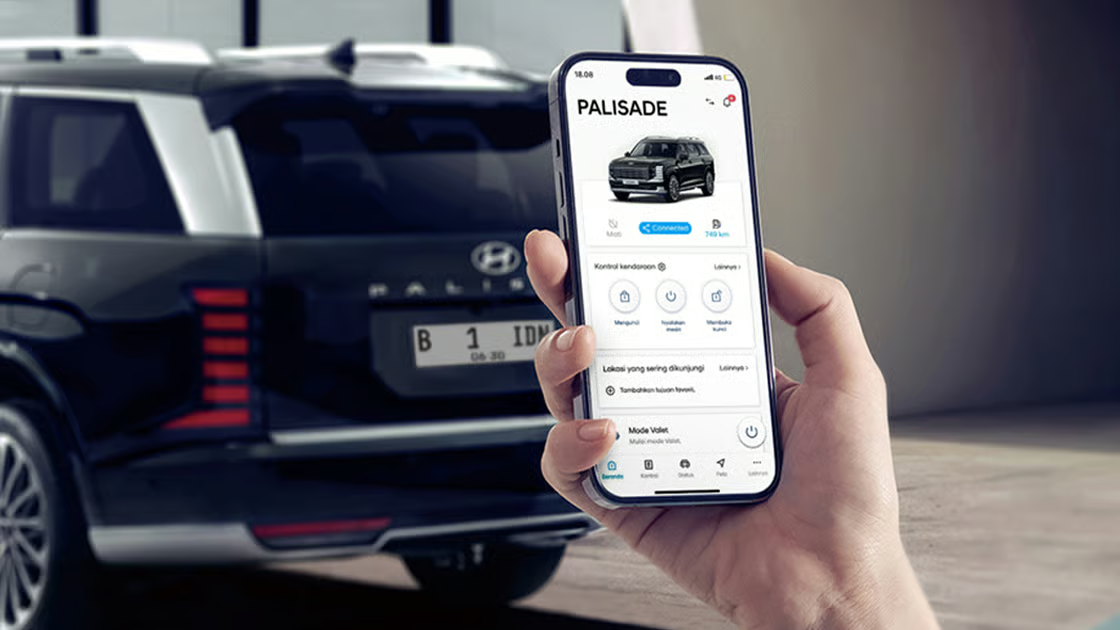
One of the most popular features of Hyundai Bluelink is remote start. You can start your vehicle from anywhere using your smartphone and set the cabin temperature before entering.
This is especially helpful during hot South Carolina summers or cold mornings, ensuring your vehicle is always comfortable before you drive.
Lock, Unlock, and Locate Your Vehicle
Bluelink allows you to lock and unlock your vehicle remotely using a secure PIN. You will also receive alerts if your vehicle is left unlocked.
The vehicle locator feature uses GPS to track your car’s location. In crowded parking lots, you can activate the horn and lights to quickly find your vehicle.
Vehicle Diagnostics and Maintenance Alerts
Bluelink provides real-time vehicle health reports and maintenance alerts. You can monitor key systems like:
- Engine performance
- Tire pressure
- Brake condition
- Battery health
You can also send diagnostic data directly to your dealership for faster service. At Stivers Hyundai, this allows for quicker maintenance and repair support using OEM parts.
Real-Time Alerts and Safety Features
Bluelink enhances safety with real-time alerts and emergency services. These features include:
- Automatic collision notification
- Roadside assistance
- Stolen vehicle recovery
- Real-time traffic and route updates
For EV drivers, Bluelink also provides battery status, charging updates, and estimated driving range.
Hyundai Bluelink FAQs
What is Hyundai Bluelink?
It is a connected car system that allows remote access, diagnostics, and safety features through your smartphone.
How do I activate Bluelink?
You can activate it through your vehicle’s infotainment system or the MyHyundai app.
Can I remotely start my Hyundai?
Yes, Bluelink allows remote start with climate control.
Can Bluelink locate my car?
Yes, it uses GPS tracking and can activate lights and horn for easy location.
Is Bluelink free?
Some services are included initially, but advanced features may require a subscription.
Activate Hyundai Bluelink at Stivers Hyundai in Columbia, SC
Hyundai Bluelink makes vehicle ownership more convenient and connected. From remote start to real-time alerts, it helps simplify your daily driving experience.
Contact Stivers Hyundai or call 803-788-6800 to activate Bluelink or learn more about Hyundai connected technology.
Images by OEM
0 comment(s) so far on How to Use Hyundai Bluelink Remote Features