

How to Use Hyundai Remote Smart Parking Assist (RSPA) on 2026 Hyundai SUVs
Squeezing into a tight parking spot while cars stack up behind you is a small but genuinely stressful moment most drivers know well. Hyundai’s Remote Smart Parking Assist (RSPA) eases that stress by letting you move your SUV into or out of a space from outside the vehicle. It’s a driver-assist feature, not a fully autonomous system, so you stay in control and supervise every movement using your smart key.
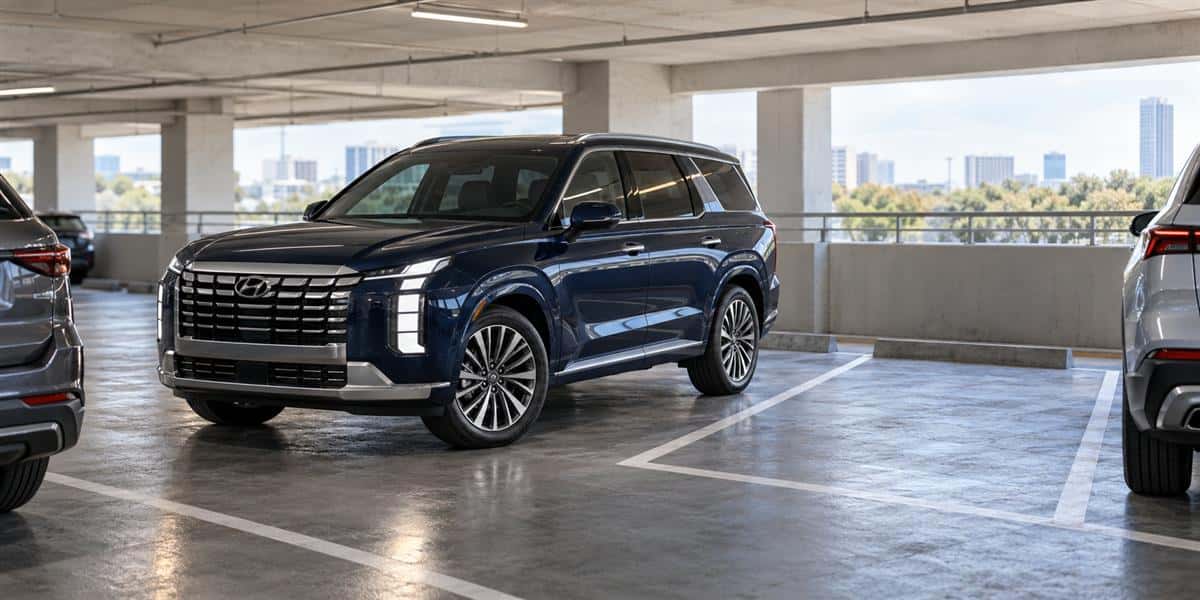
Meet Hyundai Remote Smart Parking Assist (RSPA)
RSPA is a Hyundai driver-assistance technology that lets you maneuver your vehicle into or out of a parking space without sitting behind the wheel. Ultrasonic sensors read the surrounding environment, handling the steering and speed while you guide the movement from outside using your smart key.
RSPA is available on select 2026 Hyundai SUV trims, especially useful for tight downtown parking in Columbia, SC, cramped garages, or narrow residential streets.
How RSPA Works: Setup, Sensors, and Remote Movement
RSPA vs. RSPA 2: Which One Does Your Hyundai Have?
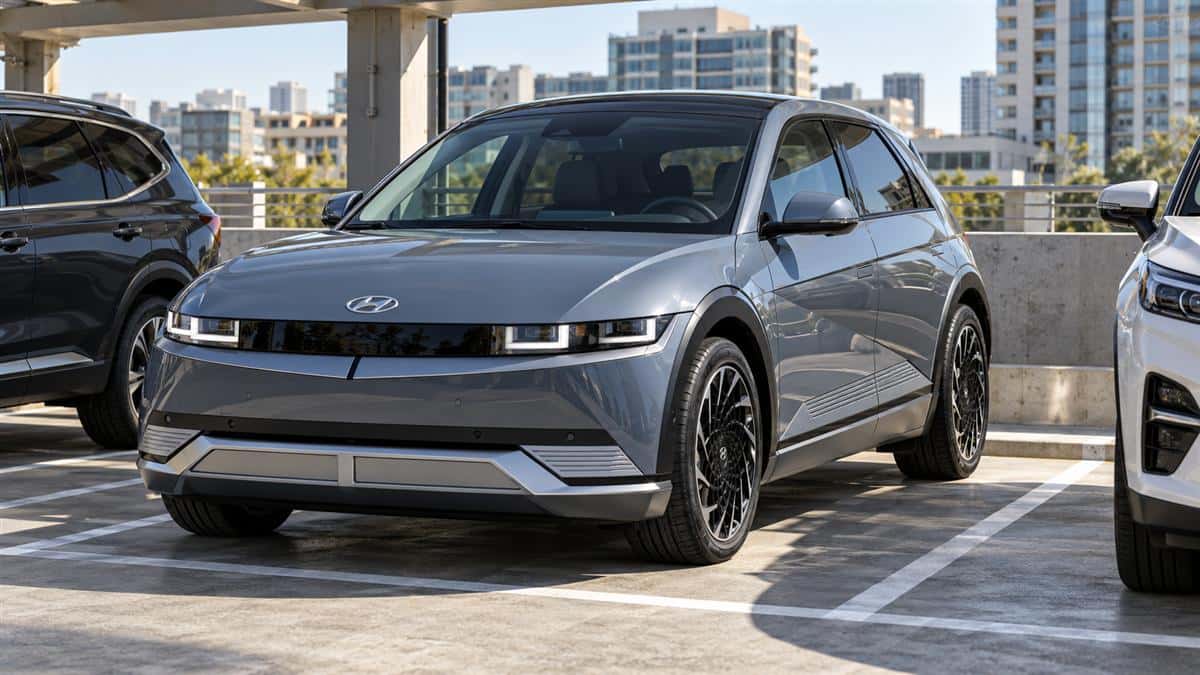
RSPA (Gen 1) is available on the Tucson, Santa Fe, and Palisade. It moves the vehicle straight forward or backward via the key fob. RSPA 2, available on the IONIQ 5 and IONIQ 9, can complete perpendicular, parallel, and diagonal maneuvers remotely using ultrasonic sensors and Surround View Monitor cameras.
Setting Up RSPA With Your Smart Key
- Position the vehicle close to the intended parking space and put it in Park.
- Exit with your smart key in hand.
- Press the smart key door-lock button to lock all doors.
- Within four seconds, press and hold Remote Start until the engine starts.
Safety Sensors and Limitations
RSPA uses front, front-side, rear-side, and rear ultrasonic sensors to detect obstacles and help manage steering and speed. Do not rely on RSPA when sensors are damaged, dirty, or covered; when heavy rain, snow, or fog reduces visibility; or when the smart key exceeds its operating range. For persistent concerns, contact the Stivers Hyundai service department.
Activating Remote Forward and Reverse Movement
- Stand within smart-key range with a clear view of the parking space.
- Press and hold the appropriate fob button to move forward or reverse.
- Keep holding the button while the vehicle moves.
- Release the button at any point to stop the vehicle immediately.
- Once positioned, press Lock to shut off the engine and lock the vehicle.
On gas models, remote movement is a straight-line maneuver. RSPA 2 on IONIQ 5 and IONIQ 9 goes further with remote parallel and perpendicular sequences, but the smart key must remain within range.
Ideal Parking Situations for Using RSPA
RSPA performs best in crowded lots, multi-level garages, and tight street parking. Guiding an SUV from outside can provide a better vantage point when a driveway, garage, or parking space leaves little room to open a door.
Which 2026 Hyundai SUVs Offer RSPA?
| Model | Trim(s) with RSPA | Notable equipment |
|---|---|---|
| Palisade | Calligraphy | Ultrasonic sensors; Highway Driving Assist 2 |
| Santa Fe | Limited, Calligraphy | Ultrasonic sensors; Surround View Monitor |
| Tucson | Limited | Ultrasonic sensors; Blind-Spot View Monitor |
| IONIQ 5 | XRT, Limited | RSPA 2; Surround View Monitor |
| IONIQ 9 | Calligraphy, Calligraphy Design | RSPA 2; Highway Driving Assist 2 |
Schedule Your Hyundai Tech Demo at Stivers Hyundai
Visit Stivers Hyundai at 9950 Farrow Rd in Columbia, SC, and our team can demonstrate RSPA on eligible 2026 models. Schedule a tech demo by calling 803-788-6800 or using our contact form.
0 comment(s) so far on How to Use Hyundai Remote Smart Parking Assist (RSPA) on 2026 Hyundai SUVs